
- Go to INTIX log in page:
AU - intix.com.au
NZ - intix.co.nz
UK - intix.co.uk
US - intix.com - Select "Forgot Password"
- Enter email to send one-time code to:
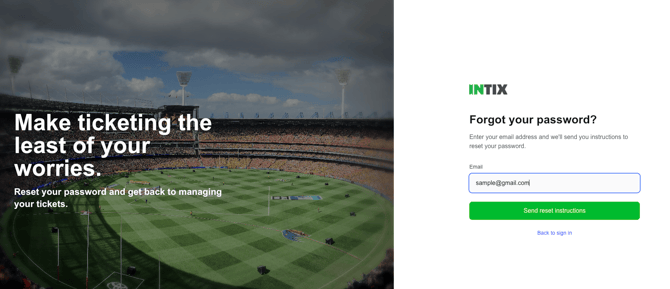
- You will receive a passcode via email. Do not request a code more than once.
.png?width=670&height=473&name=OTP%20password%20reset%20(1).png)
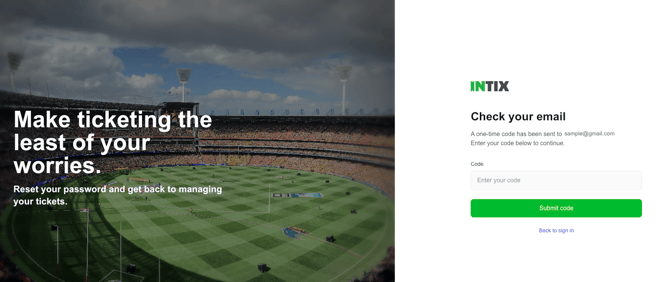
- Type the reset code in the field on the website:
-
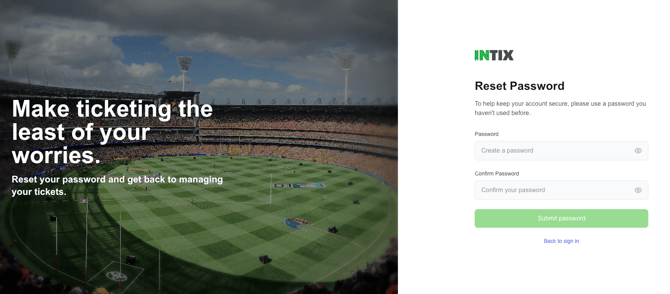
Create a new password
Your password must:
- Be at least 8 characters long
- Include at least one number (0–9)
- Include at least one uppercase letter (A–Z)
- Include at least one lowercase letter (a–z)
- For added security, consider including a special character ($, #, @, &, *)
You can only reset your password online. You cannot perform this option through the INTIX apps.
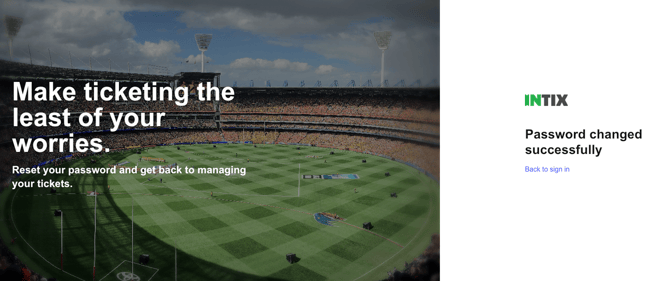
When you reset the password online, it will automatically reset the password for the app as well.
Need help? Email help@intix.com